
American Airlines Passenger Denied Boarding After Failing to Open Digital Boarding Pass in 2026

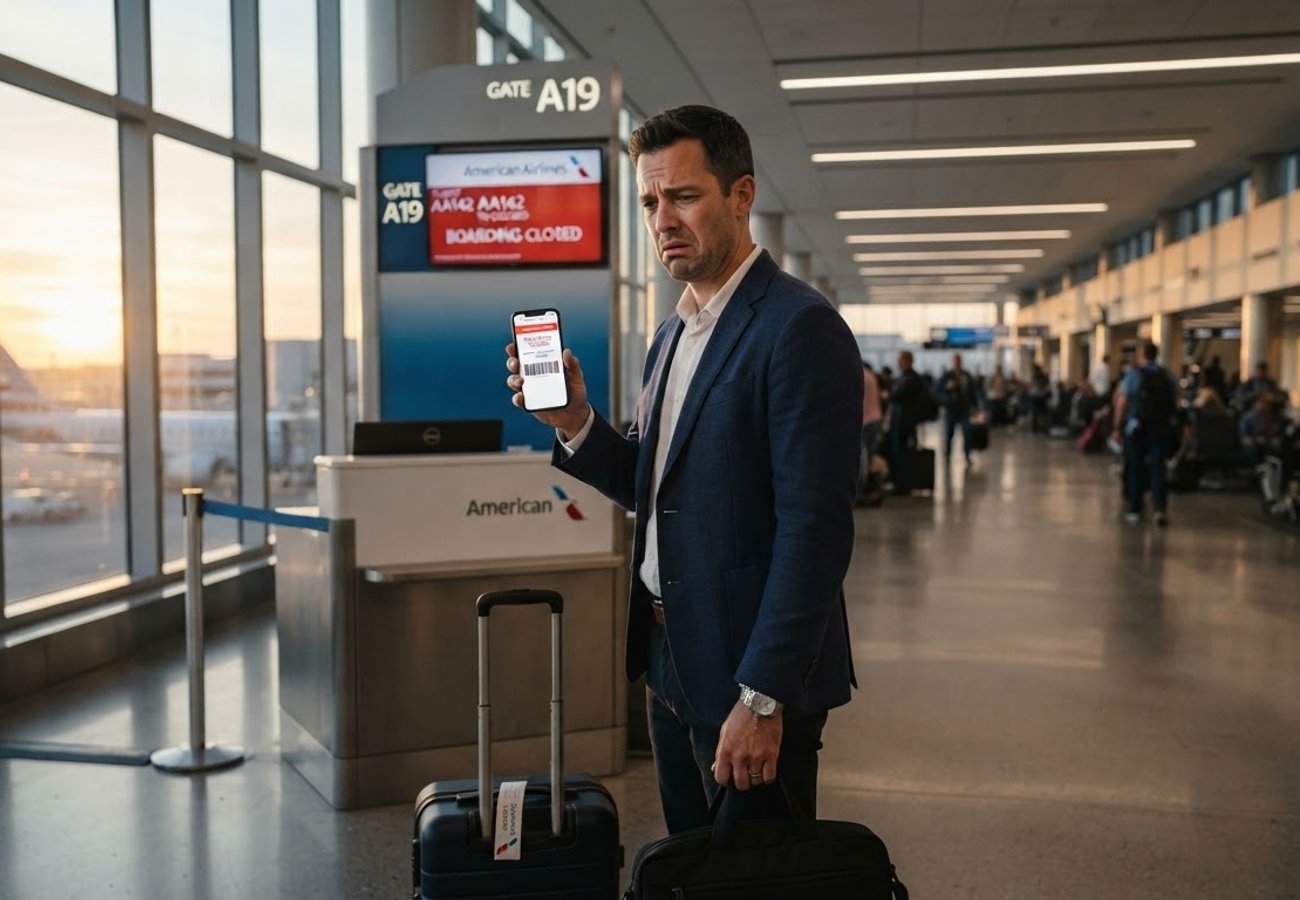
Image generated by AI
[Dallas, September 13, 2026] — A traveler has issued a public warning to other flyers after a technicality involving the American Airlines digital check-in process resulted in them being denied boarding and forced to rebook. Despite completing the online check-in process, the passenger discovered that simply checking in is not sufficient to guarantee a valid boarding document if the mobile pass is never physically opened on a device.
The incident came to light via a Reddit post where the traveler detailed a frustrating encounter with airport staff. The passenger had opted for the "email with mobile" check-in method but chose not to click the link provided in the confirmation email, intending instead to print a physical boarding pass at an airport kiosk. Upon arrival, ticketing agents informed the traveler that they had not checked in, leading to a dispute that ultimately resulted in the passenger missing their original flight.
The Caching Trigger: Why Check-In Wasn't Enough
The core of the issue lies in how the American Airlines system handles mobile documentation. Following the incident, the airline clarified to the passenger that the mobile boarding pass must be viewed on a mobile device to be properly "cached" in the system.
According to official airline guidelines, once a boarding pass is opened, it remains cached for 48 hours. This feature is designed to allow passengers to access their documents even if they lose cellular data or Wi-Fi connectivity upon arriving at the terminal. However, because this specific traveler never clicked the link in their email, the pass was never cached. This created a systemic discrepancy where the passenger believed they were checked in, but the gate and ticketing systems did not recognize a valid, accessible boarding document.
Impacted Travelers and Process Failures
This scenario primarily affects passengers who avoid using the dedicated airline app and rely on email-based check-in. The following table outlines the specific points of failure in this traveler's journey:
| Stage | Action Taken | System Result | Outcome |
|---|---|---|---|
| Check-in | Completed online via website | Reservation confirmed | Passenger believed they were ready |
| Documentation | Received email link; did not click | Pass NOT cached | Document remained inactive in system |
| Arrival | Attempted to print at kiosk | System showed "Not Checked In" | Agent unable to produce pass |
| Boarding | Attempted to explain error | No valid pass available | Rebooked on later flight |
What This Means for Travelers
For the average passenger, this highlights a critical gap between "checking in" and "possessing a boarding pass." To ensure you are not stranded at the gate, follow these plain-language requirements:
- Click the Link: If you receive a boarding pass via email, you must open the link on your phone at least once. This triggers the 48-hour cache.
- Use Digital Wallets: Saving the pass to Apple Wallet or Google Wallet creates a permanent local copy that does not rely on the airline's active server or your internet connection.
- Don't Rely on Kiosks Alone: While kiosks are available, a system error during the digital check-in phase can prevent the kiosk from finding your record.
- Verify Before Leaving: Ensure the QR code is visible on your screen before you leave for the airport.
The TSA "False Sense of Security"
A contributing factor to this traveler's delay was the current state of airport security. Many checkpoints now utilize Credential Authentication Technology (CAT) managed by the Transportation Security Administration (TSA).
CAT allows TSA officers to verify a passenger's identity and flight status electronically without requiring the passenger to physically present a boarding pass. Because the traveler cleared security without being asked for their pass, they remained unaware that their document was missing until they reached the boarding gate. This creates a dangerous "blind spot" where a passenger believes everything is in order, only to find out 30 minutes before departure that they cannot board.
Boarding Deadlines and Rebooking Risks
The window to fix a digital error is remarkably small. American Airlines maintains strict boarding cut-offs that leave little room for technical troubleshooting:
- Domestic Flights: Check-in must be completed 45 minutes before departure.
- International Flights: Check-in must be completed 60 minutes before departure.
- Gate Presence: Passengers must be at the gate 30 minutes (domestic) or 45 minutes (international) before takeoff.
- Final Cut-off: Boarding officially closes 15 minutes before departure.
Once the aircraft doors close, the airline's Conditions of Carriage allow them to reassign the seat to a standby passenger. For the traveler in this report, the time spent arguing with agents and attempting to resolve the caching error pushed them past this 15-minute window, making rebooking the only available option.
FAQ: American Airlines Digital Boarding 2026
Do I need an internet connection to show my boarding pass at the gate? Not if you have viewed the pass previously. American Airlines caches the document for 48 hours once opened, meaning it can be accessed offline. If you never opened it, you will need Wi-Fi or data to retrieve it.
Can I still print a paper boarding pass if I checked in online? Yes, but only if the check-in was successfully processed and the document is available in the system. As seen in this case, if the mobile pass wasn't triggered, the kiosk may not recognize the check-in.
Why did I get through TSA without a boarding pass? TSA's CAT technology verifies your flight reservation and ID electronically. Clearing security does not mean your airline boarding pass is valid or available; it only means you are authorized to enter the secure area.
What should I do if the kiosk says I'm not checked in? Immediately find a gate agent or ticketing representative. Do not wait until boarding begins. Try to open your confirmation email and click the mobile pass link while connected to airport Wi-Fi to trigger the system.
Verify your digital documents before the taxi ride, or you might be the next one waiting for a rebooked flight.
Related Travel Guides
This article is for informational purposes. Flight routes, passenger regulations, visa rules, and transit advisories are subject to change by airlines and aviation authorities. Readers are advised to verify schedules and travel documentation with relevant carriers and border agencies before departure.
Related Stories

Angola Reconnects Lusophone Atlantic as TAAG Launches Direct Cape Verde Flights: Praia and Luanda Travel Guide

Vietnam Calls for Domestic Route Revival as Passenger Traffic Surges 9.5 Percent: The Regional Travel Guide